
Program vs Software vs Application – Beginner to Expert Guide!
Software is the complete system of digital instructions, an application is user-focused software for specific tasks, and a program is a single set of executable instructions within software.
Understanding the difference between program, software, and application is one of the most common challenges for beginners in technology, students, and even non-technical professionals. These terms are often used interchangeably, yet they do not mean the same thing especially in technical and professional contexts.
This guide explains program vs software vs application in a clear, structured, and modern way, using real-world examples, analogies, tables, and practical explanations. By the end of this article, you’ll understand what each term means, how they are related, and when to use them correctly.
Why Are Program, Software, and Application Often Confused?
The confusion exists because:
- All three are intangible digital products
- Everyday language simplifies technical distinctions
- Modern apps blur the lines between programs and software systems
- Different industries use these terms differently
However, in computer science, software engineering, and IT, these terms have specific meanings that matter.
What Is Software? (The Umbrella Term)
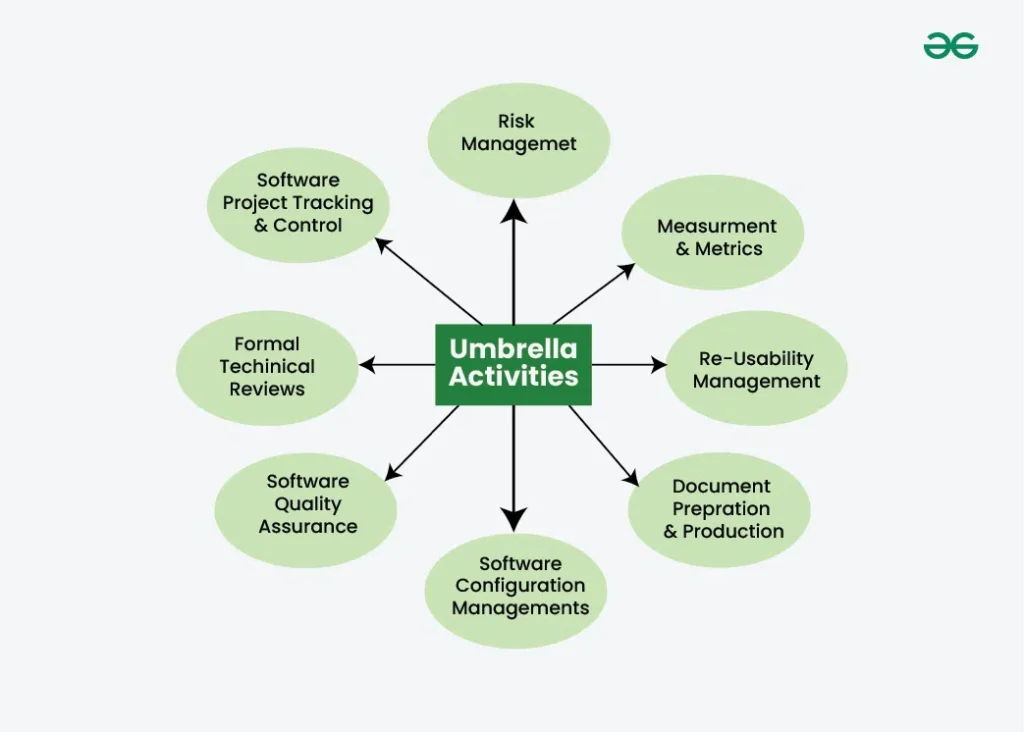
Software is the broadest term among the three.
Definition of Software
Software refers to all sets of instructions, data, and programs that tell computer hardware what to do and how to do it. Without software, hardware is useless.
In simple words:
Software is everything that runs on a computer, phone, or digital device.
Types of Software
Software can be categorized into several types:
1. System Software
- Manages hardware
- Provides a platform for other software
- Runs in the background
Examples:
- Windows
- macOS
- Linux
- Android
- iOS
2. Application Software
- Designed for end users
- Helps perform specific tasks
Examples:
- Microsoft Word
- Google Chrome
- Spotify
- Adobe Photoshop
3. Utility Software
- Helps maintain and optimize systems
Examples:
- Antivirus programs
- Disk cleanup tools
- Backup software
Key Takeaway
✅ Software is the umbrella category
✅ Includes programs, applications, system tools, and utilities
What Is a Program? (The Building Block)
A program is the smallest logical unit in this comparison.
Definition of a Program
A program is a set of instructions written in a programming language that performs a specific task when executed.
Programs can be:
- Small scripts
- Background processes
- Standalone tools
- Components of larger software systems
Examples of Programs
- A Python script that calculates interest
- A program that prints “Hello World”
- A driver program that controls a printer
- A background service that checks for updates
Important Clarification
- A program may or may not have a user interface
- A program does not have to be user-facing
- Many programs run silently in the background
Key Takeaway
✅ A program is a single executable logic unit
✅ Programs are building blocks of software
What Is an Application? (User-Focused Software)
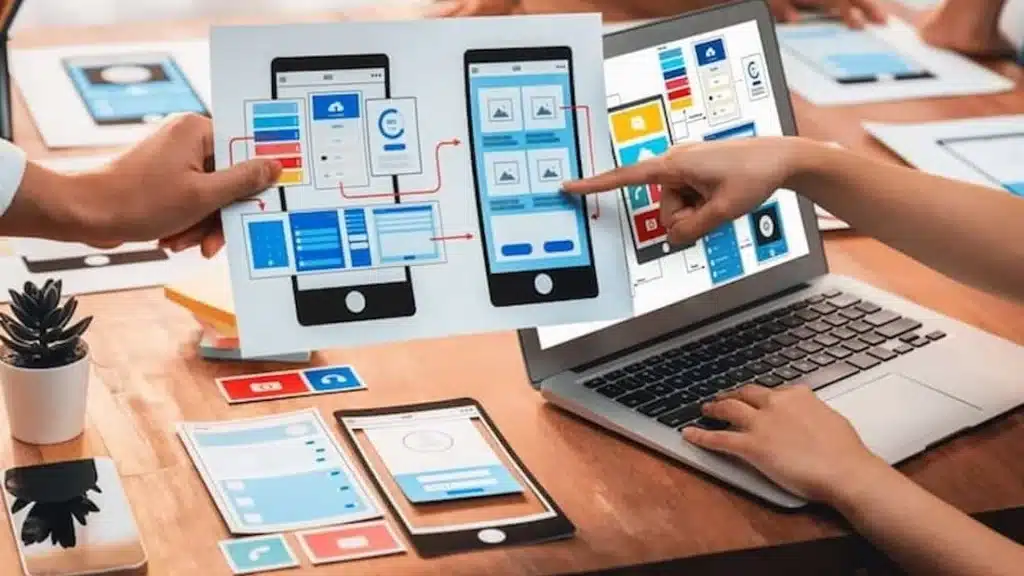
An application (or app) is a type of software designed for end users to perform specific tasks.
Definition of an Application
An application is a user-facing software program that allows people to interact with a computer system to complete tasks such as writing, browsing, designing, editing, or communicating.
Examples of Applications
- Microsoft Word (document creation)
- Google Chrome (web browsing)
- Instagram (social media)
- Zoom (video conferencing)
- Mobile banking apps
Key Characteristics of Applications
- User interface (GUI or touch interface)
- Task-oriented
- Interactive
- Built on multiple programs working together
Key Takeaway
✅ All applications are software
❌ Not all software is an application
Program vs Software vs Application (Simple Analogy)
Let’s explain this with a real-life analogy:
🏭 Factory Analogy
- Program → A single machine performing one task
- Application → A workstation where humans interact
- Software → The entire factory system
This analogy highlights why software is the broadest term, while programs are the smallest units.
Program vs Software vs Application: Comparison Table
| Feature | Program | Software | Application |
| Definition | Set of instructions | Collection of programs & data | User-focused software |
| Scope | Smallest | Broadest | Specific |
| User Interaction | Optional | Optional | Required |
| Complexity | Low to medium | Medium to high | High |
| Examples | Script, driver | OS, apps, utilities | Word, Chrome |
| Category | Building block | Umbrella term | Type of software |
Software vs Application: Key Differences Explained
Software vs Application
| Aspect | Software | Application |
| Purpose | Controls system & tasks | Helps users perform tasks |
| Users | System & users | End users |
| Examples | OS, drivers | Apps, tools |
| Visibility | Often hidden | Always visible |
📌 Application software is a subset of software
Program vs Application: What’s the Difference?
Program vs Application
| Aspect | Program | Application |
| User Interface | May not exist | Always exists |
| Purpose | Execute logic | Solve user problems |
| Scope | Narrow | Broad |
| Dependency | Independent or dependent | Depends on multiple programs |
📌 Applications are usually collections of programs working together
Is Microsoft Word a Program or Software?
This is one of the most searched questions.
✔ Microsoft Word is:
- An application
- A type of software
- Built using many programs
So the correct classification:
Microsoft Word is an application software, which itself is part of software, and internally contains multiple programs.
Is an Application a Type of Program or Software?
✔ An application is:
- A type of software
- Built using multiple programs
❌ An application is not just a single program
Modern Usage: Why “Apps” Changed Everything
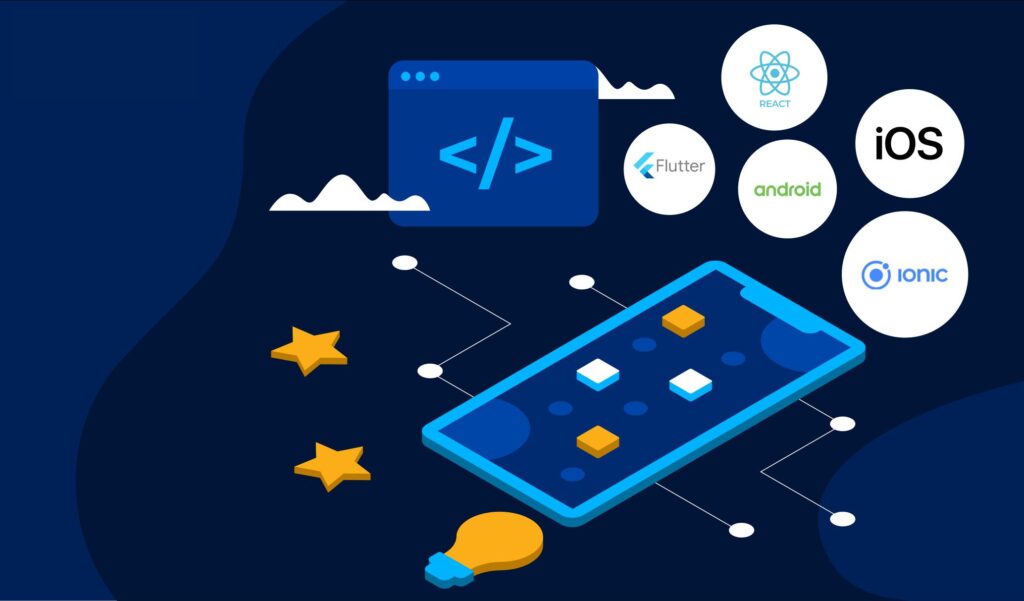
In modern tech:
- Mobile apps
- Web apps
- Cloud applications
These applications:
- Combine frontend, backend, APIs, databases
- Blur traditional definitions
- Are still applications, but far more complex
Despite modern complexity, the core definitions still apply.
Why Understanding the Difference Matters?
Understanding program vs software vs application helps you:
- Learn programming faster
- Communicate clearly with developers
- Choose the right tools
- Understand job roles
- Avoid technical confusion
This knowledge is especially valuable for:
- Students
- Career switchers
- Business owners
- Non-technical professionals
- Beginner developers
Common Beginner Mistakes to Avoid
- Using all terms interchangeably
- Calling operating systems “apps”
- Thinking every program is an application
- Ignoring system software
- Overcomplicating simple definitions
How These Terms Are Used in Software Development Careers?
| Role | Common Term Used |
| Programmer | Program |
| Software Engineer | Software |
| App Developer | Application |
| System Administrator | Software |
| End User | App |
FAQs:
1. What is the main difference between a program and software?
A program is a single set of instructions designed to perform a specific task, while software is a broader collection of programs, data, and resources that work together to operate computers and digital devices.
2. Is every application considered software?
Yes, every application is software because it runs on digital systems. However, not all software is an application, since system software and utilities are software but not designed for direct user interaction.
3. Can a program exist without being an application?
Yes. Many programs run in the background without user interaction, such as system services, drivers, or scripts. These programs are part of software but are not considered applications.
4. Why do people confuse software, programs, and applications?
People confuse these terms because they are often used interchangeably in everyday language, modern apps combine multiple programs, and non-technical contexts simplify technical definitions for ease of communication.
5. Is Microsoft Word a program, software, or application?
Microsoft Word is an application software. It is part of software as a whole and is built using multiple programs that work together to provide document-creation features for users.
Conclusion
Understanding the difference between program, software, and application helps remove confusion in both technical and everyday conversations. A program is a single set of instructions, software is the complete system that runs devices, and applications are user-focused tools built from multiple programs. Knowing how these terms relate improves learning, communication, and decision-making in technology, software development, and digital careers, especially for beginners and non-technical users.

2 Comments